How to Find What Dataset a Report Relies On
Open the report in Power BI
Click the three dots (⋯) in the top-left corner of the report (as highlighted in a green box below)
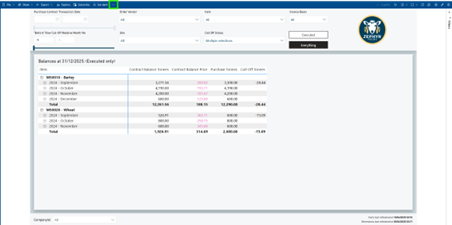
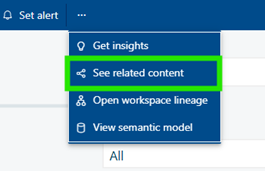
- Select 'See related content' from the dropdown menu.
- Look under the section labelled 'Semantic models' (highlighted in green as below).
This is the dataset that powers the report.
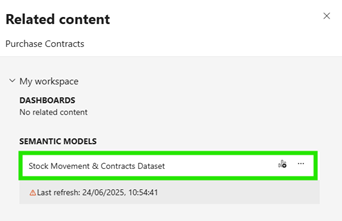
- If a user wants access to data on this report, they will need to be a member of the user group Fabric Dataset Viewer - Stock Movement & Contracts